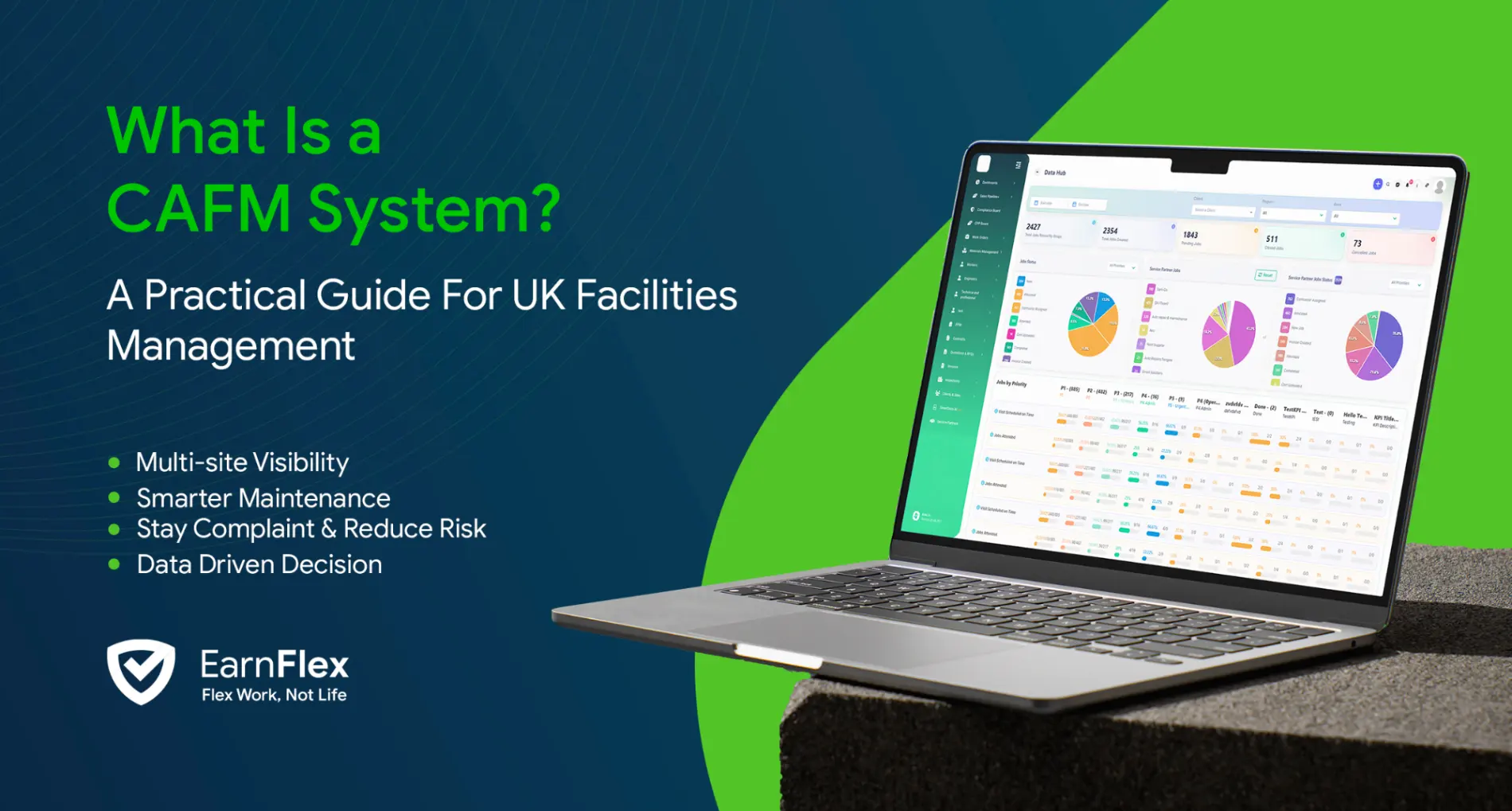
If you work in facilities management, you’ve probably heard the term CAFM in tenders, supplier conversations or job descriptions. But what does a CAFM system actually do, and how does it help FM teams manage day-to-day operations?
CAFM stands for Computer-Aided Facilities Management. Put simply, it is software that helps organisations manage maintenance, assets, contractors, compliance and facilities operations from one central platform.
Instead of relying on spreadsheets, emails, phone calls and paper records, a CAFM system creates a single digital record of what is happening across your sites.
What Is a CAFM System?
A CAFM system helps facilities management teams plan, schedule, track and record both planned and reactive maintenance.
When a job is raised, the system can track it from the initial request through to engineer attendance, completion, evidence, approval and invoicing.
For example, if a fire door is reported as faulty, the job can be logged, prioritised and assigned to an engineer or approved contractor. The engineer receives the details on their mobile device, completes the repair and uploads photographs, notes and supporting evidence.
The completed job then becomes part of the site’s permanent maintenance and compliance history.
When this process is repeated across hundreds or thousands of jobs, CAFM software gives managers much greater control and visibility.
What Does CAFM Software Manage?
Modern CAFM platforms bring several areas of facilities management together.
Planned and Reactive Maintenance
Reactive maintenance covers unexpected problems such as leaks, electrical faults or damaged equipment.
Planned Preventative Maintenance (PPM) covers recurring work such as fire alarm testing, HVAC servicing and statutory inspections.
A CAFM system can automatically generate scheduled maintenance jobs while also managing reactive requests within the same platform.
Assets and Maintenance History
Assets such as boilers, HVAC equipment, fire systems and electrical equipment can be recorded against individual sites.
Jobs, servicing history, documentation and previous faults can then be linked directly to the asset, giving engineers and managers a clearer picture of its condition and maintenance history.
Contractors and Engineers
CAFM software can help coordinate both employed engineers and external suppliers.
Jobs can be assigned digitally, with engineers or subcontractors updating progress and submitting job evidence without relying on separate email chains or telephone updates.
Compliance and Job Evidence
Certificates, RAMS, inspection reports, forms, photographs, signatures and engineer notes can all be stored against the relevant job, site or asset.
This creates a clearer audit trail and makes supporting evidence easier to find when required for a customer review or compliance audit.
Reporting
Because information is captured in one system, managers can monitor areas such as open jobs, response times, PPM completion, compliance performance and recurring maintenance issues without manually combining information from different spreadsheets.
What Are the Benefits of a CAFM System?
The biggest advantage of CAFM software is visibility.
Instead of information being spread across multiple systems, teams can see jobs, assets, contractors, compliance records and maintenance activity in one place.
This can help reduce administration, improve job tracking, strengthen PPM planning and make it easier to understand what is happening across multiple sites.
For FM contractors, it can also improve communication with clients by providing clearer information about job progress, supporting evidence and service performance.
CAFM vs CMMS: What’s the Difference?
CAFM and CMMS software overlap considerably.
A CMMS (Computerised Maintenance Management System) traditionally focuses on maintenance activity, including work orders, asset servicing and planned maintenance.
A CAFM system generally covers a broader facilities management environment, including maintenance, contractors, compliance, sites and operational reporting.
Today, the distinction is less clear. Many modern CAFM platforms include strong CMMS functionality, while some CMMS products have expanded into wider facilities management.
The better question is therefore not whether CAFM or CMMS is better, but whether the platform can manage the processes your organisation actually needs.
Who Uses CAFM Software?
CAFM software can be useful for many different organisations, including:
- Facilities management contractors
- Property and estate managers
- M&E and HVAC contractors
- Fire and security maintenance companies
- Multi-site organisations
- Internal facilities management teams
The value generally increases as the number of sites, assets, engineers, contractors and compliance requirements grows.
A business managing a small number of jobs may be able to operate successfully with spreadsheets for some time. But as operations become more complex, maintaining visibility and consistency through manual processes becomes increasingly difficult.
What Should You Look for in a CAFM System?
When comparing CAFM platforms, focus on how the software will work in practice rather than simply comparing long feature lists.
A good system should allow you to manage planned and reactive jobs, track assets, coordinate engineers and contractors, capture job evidence and maintain compliance records.
Mobile access is particularly important because engineers need to receive and update jobs while working on site.
Reporting should also provide useful operational insight rather than simply storing information.
For contractors, commercial processes matter too. Completed work should be able to progress naturally into quotes, approvals and invoicing without teams repeatedly entering the same information.
Businesses reviewing facilities management technology can explore how CAFM software for UK facilities management connects jobs, PPM, assets, compliance and reporting within a single platform.
How Is AI Changing CAFM Software?
AI is increasingly being used to reduce the administrative work associated with facilities management.
It can help categorise incoming jobs, summarise lengthy job histories, review documentation and make large volumes of operational information easier to understand.
AI can also help highlight exceptions that may otherwise be difficult to identify manually, such as missing job information, recurring problems or work that requires additional attention.
The purpose is not to replace engineers or facilities managers. Instead, AI can help teams find information faster, reduce repetitive administration and make better use of the data already held within their CAFM system.
Is CAFM Software Worth It?
The answer depends on the complexity of your facilities operation.
If you manage multiple sites, large numbers of assets, a mixture of employed engineers and suppliers, or significant compliance requirements, spreadsheets and disconnected systems can quickly become difficult to control.
A CAFM platform provides a central operational record, helping teams understand what work is outstanding, what has been completed and what action is needed next.
For simpler operations, the need may be less immediate. The right time to introduce CAFM software is usually when maintaining visibility through manual processes begins to take more time than the work itself.
Final Thoughts
A CAFM system brings maintenance, assets, contractors, compliance and reporting together in one platform.
Rather than managing facilities through separate spreadsheets, inboxes and phone calls, teams can track work from request to completion while maintaining a searchable record of what happened.
CAFM and CMMS platforms increasingly overlap, so choosing the right system should come down to how well it supports your actual operations.
For organisations managing multiple sites, contractors and compliance responsibilities, a modern CAFM platform such as Arez can provide a more connected way to manage facilities operations and reduce the administration surrounding everyday maintenance.
FAQs
What does CAFM stand for?
CAFM stands for Computer-Aided Facilities Management.
What is a CAFM system used for?
It is used to manage maintenance jobs, assets, PPM schedules, contractors, compliance records and facilities reporting.
What is the difference between CAFM and CMMS?
CMMS traditionally focuses on maintenance and assets, while CAFM generally covers broader facilities management operations. Modern platforms increasingly combine both.
Can CAFM software manage planned and reactive maintenance?
Yes. Most modern CAFM systems can manage recurring PPM work and reactive jobs within the same platform.